Dataiku
Dataiku is an advanced data science and machine learning platform designed to help teams collaborate on data-driven projects. It provides a suite of tools for data preparation, machine learning model building, and deployment, all through a user-friendly interface. Dataiku supports both code-based and no-code workflows, making it accessible to a wide range of users, from data analysts to data scientists.
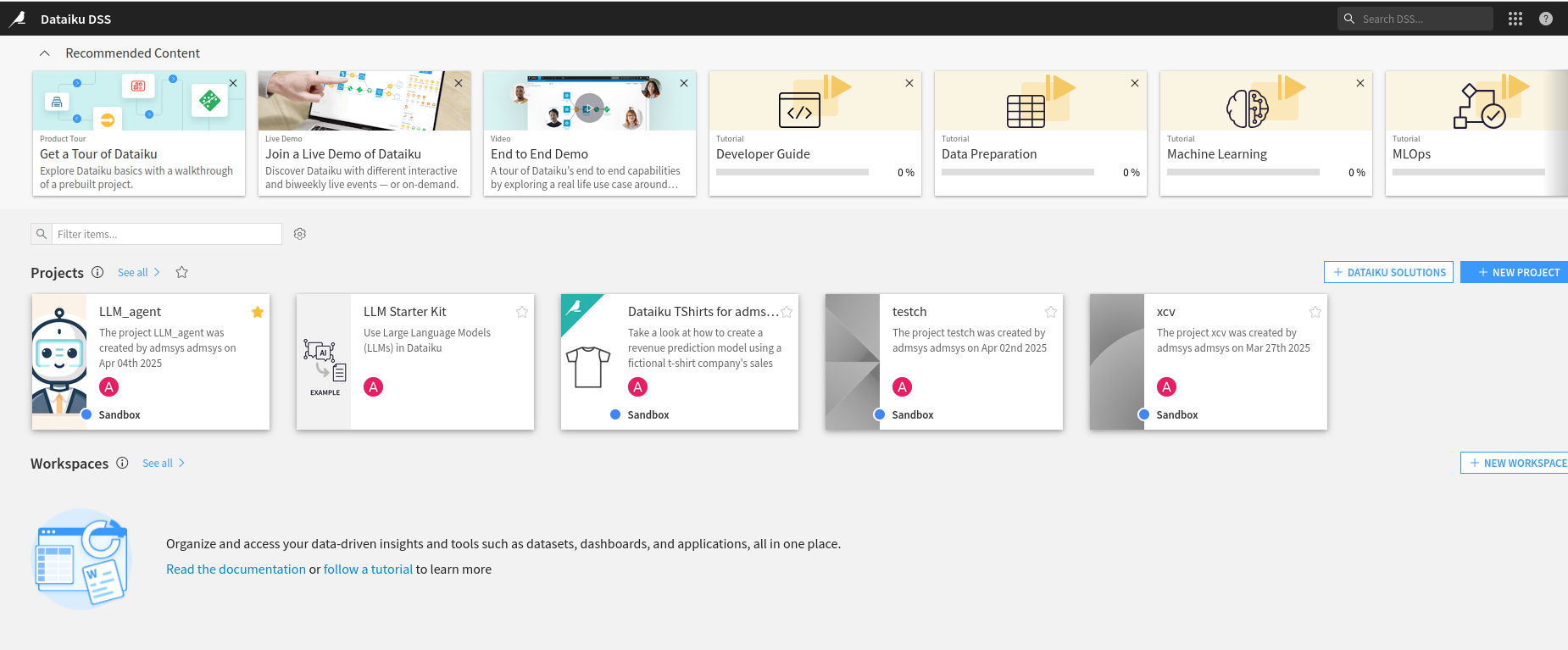
Using Dataiku
To get started with Dataiku, follow these simple steps:
Create a New Project
Open the application in your browser. To create a new project:
- From the homepage, click on the "New Project" button.
- Choose a project template (e.g., Data Science, Machine Learning, or others).
- Give your project a name and description, and then create it.
Import Data
Dataiku supports a wide variety of data sources. You can import data from databases or cloud services, or even APIs:
- Go to the "Flow" tab of your project.
- Click on the "+" button and choose "Dataset."
- Select the data source and follow the prompts to import your data.
-
Data Preparation: Once your data is imported, use the "Flow" view to perform data preprocessing. You can use built-in recipes to clean, filter, or transform your data:
- Select your dataset in the "Flow" view.
- Click on "Prepare" to start cleaning and processing your data (e.g., handling missing values, encoding categorical variables).
- You can also use visual tools to create data pipelines.
-
Build a Machine Learning Model: Dataiku offers various tools to train machine learning models. You can use the built-in AutoML feature or manually configure machine learning algorithms:
- Go to the "Lab" tab and select "Visual Machine Learning."
- Choose a target variable and select an algorithm (e.g., Random Forest, Gradient Boosting).
- Train the model and evaluate its performance using cross-validation.
-
Deploy the Model: After building and evaluating your model, you can deploy it to make predictions on new data:
- Click on the "Deploy" tab and select "Create a Model Deployment."
- Follow the instructions to deploy the model via APIs or batch processing.
-
Collaborate with Your Team: Dataiku allows you to collaborate with team members by sharing projects, datasets, and workflows. You can create workflows that are shareable across your organization, and track changes using version control.