Superset
The "Superset" component is an open-source data exploration and visualization platform designed to help users create interactive dashboards and generate insights from large datasets. It supports a wide range of databases and data sources, offering advanced features for data analysis, SQL querying, and real-time visualizations.
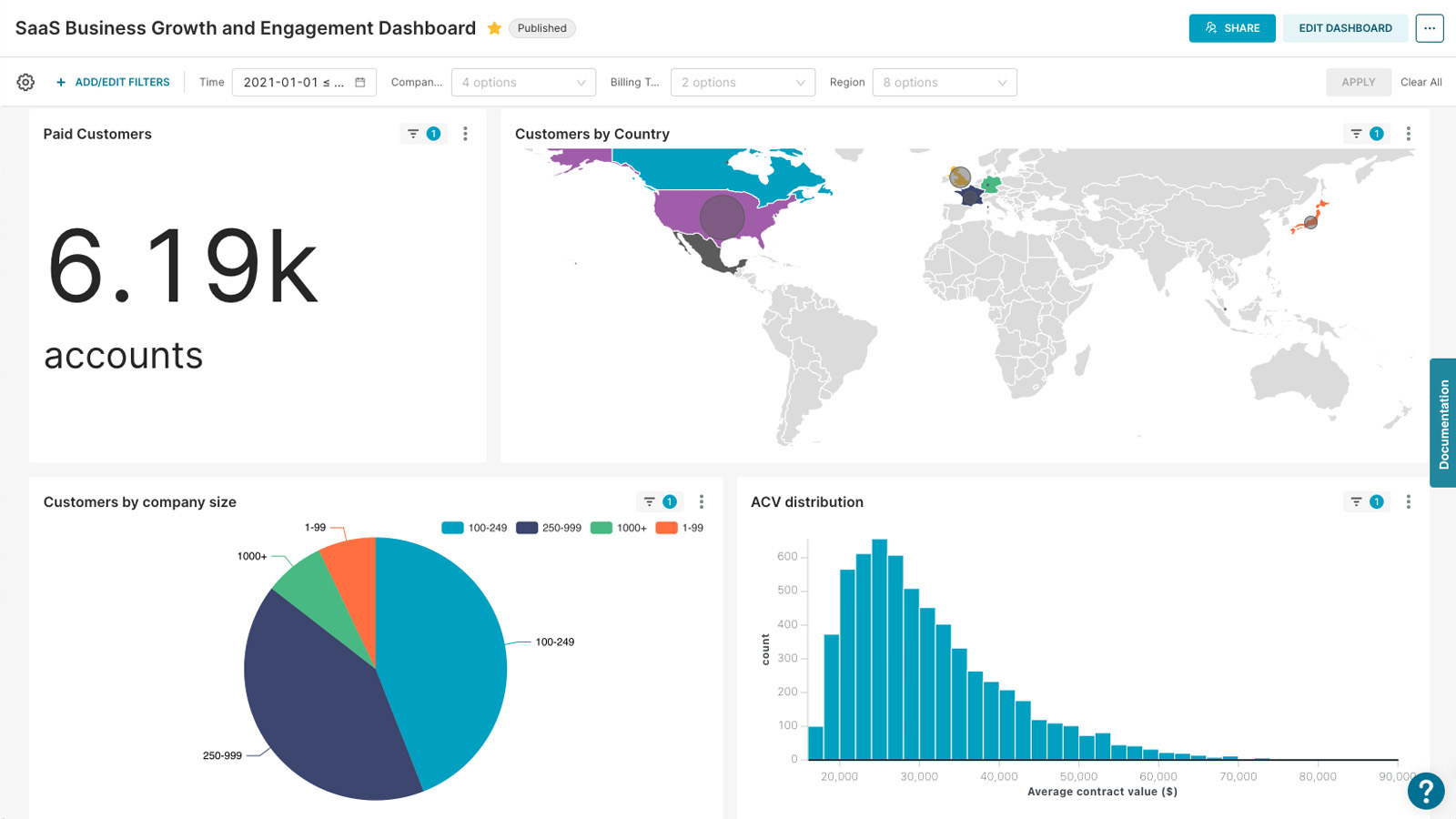
Using Superset
To get started with Superset, follow these steps:
You can access the Superset UI through your Hub. You will be prompted to log in.
Connect to a Data Source
To connect a database, go to the Sources tab, select Databases and click the Add Database button. Choose the database type (e.g., PostgreSQL, MySQL), provide the necessary credentials, and test the connection.
Don't forget to check advanced options, to use dataset in SQL Lab
Create a Dashboard
After connecting your data source, navigate to the Dashboards section and create a new dashboard. You can drag and drop different visualizations (e.g., charts, tables) and configure them using the data from your database.
Explore Your Data
Use the Explore tab to interactively analyze your data. You can write SQL queries or use the graphical interface to build complex visualizations without writing code.