MLflow
MLflow is an open-source platform designed to manage the complete machine learning lifecycle, from experimentation to deployment. It provides tools for tracking experiments, packaging code into reproducible runs, and sharing and deploying models.
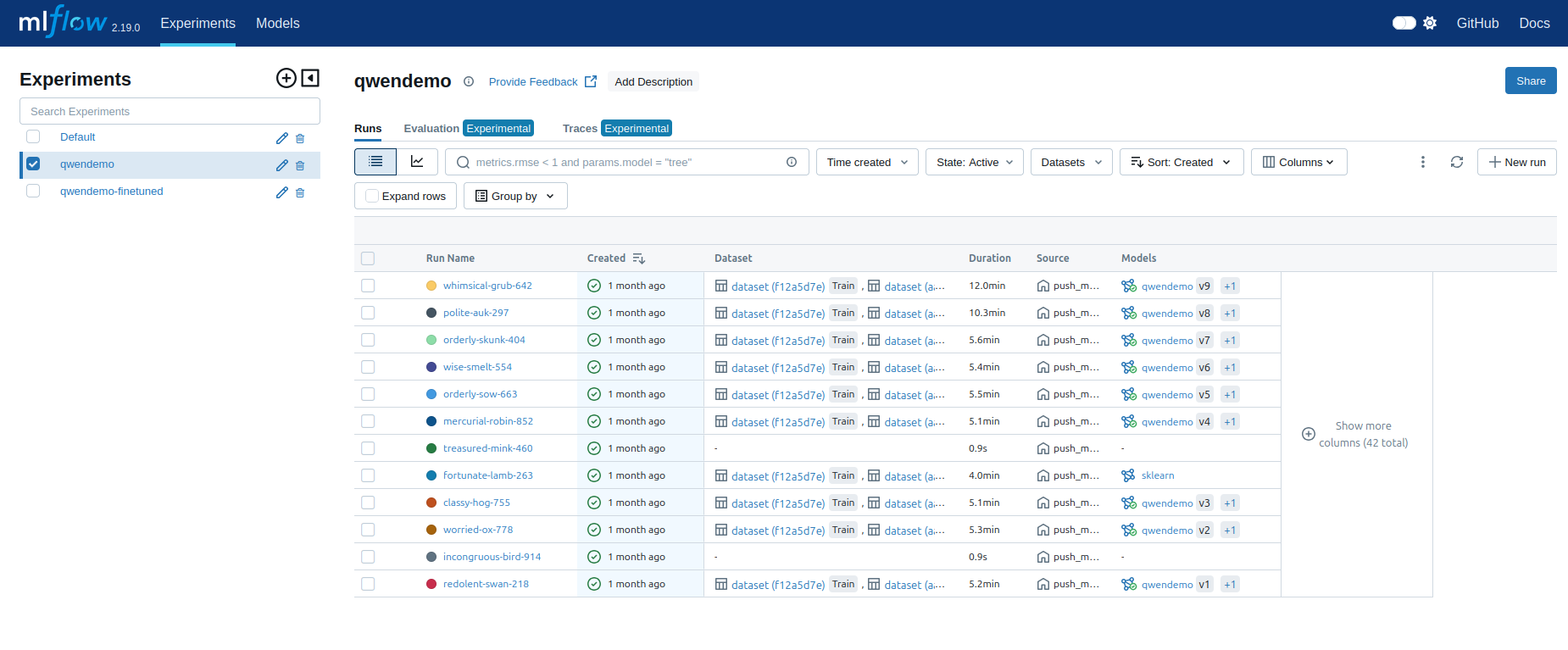
Using MLflow
MLflow makes it easy to save and manage machine learning models. To push a model to MLflow in Python, you can follow these steps. This example will guide you through the process of tracking an experiment, training a simple model, and saving it to the MLflow Model Registry.
If you can't run the code below on your laptop, you can use the Jupyter notebook provided by the Kosmos platform.
Before you begin, make sure you have MLflow and Scikit-learn packages installed in your Python environment. You can install it using pip:
pip install mlflow sklearn
import mlflow
import mlflow.sklearn
from sklearn.datasets import load_iris
from sklearn.model_selection import train_test_split
from sklearn.ensemble import RandomForestClassifier


# you need to set environment variables, it is not recommended to do them via python like this example
os.environ["MLFLOW_TRACKING_URI"] = "http://mlflow.kosmos-data:5000"

# s3 env vars to be able to push artifacts
os.environ["MLFLOW_S3_ENDPOINT_URL"] = "http://minio.kosmos-s3"
os.environ["AWS_ACCESS_KEY_ID"] = "minioadmin"
os.environ["AWS_SECRET_ACCESS_KEY"] = "minioadmin"

# for automatic system metrics logging use this, you need psutil for more metrics, and pynvml for GPU metrics
os.environ['MLFLOW_ENABLE_SYSTEM_METRICS_LOGGING']= 'true'

# Load the Iris dataset
iris = load_iris()
X = iris.data
y = iris.target

# Split into training and testing sets
X_train, X_test, y_train, y_test = train_test_split(X, y, test_size=0.2, random_state=42)

# Start an MLflow run
with mlflow.start_run():
    # Create and train the model
    model = RandomForestClassifier(n_estimators=100, max_depth=3)
    model.fit(X_train, y_train)

    # Log the model to MLflow
    mlflow.sklearn.log_model(model, "model")

    # Optionally log parameters or metrics
    mlflow.log_param("n_estimators", 100)
    mlflow.log_param("max_depth", 3)
    mlflow.log_metric("accuracy", model.score(X_test, y_test))
# Register the model in the MLflow Model Registry
result = mlflow.register_model("runs:/<run_id>/model", "RandomForestIrisModel")

# Load the model from the registry
model_uri = "models:/RandomForestIrisModel/1"  # Replace with the correct version number
model = mlflow.sklearn.load_model(model_uri)

# Use the loaded model for prediction
predictions = model.predict(X_test)
By following these steps, you can easily track and manage your machine learning models using MLflow. Key operations include:
- Logging models with mlflow.sklearn.log_model() (or the appropriate MLflow integration for other frameworks).
- Tracking parameters and metrics to monitor model performance.
- Registering models for versioning and better model management in the Model Registry.
MLflow helps you streamline and automate the process of managing machine learning models, making it easier to track experiments, reproduce results, and share models across teams.